The Efficiency Gap in Residential Tree Care
Residential tree service is a high-stakes industry defined by narrow margins and high liability. A single incorrect estimate for a complex removal—failing to account for the proximity of high-voltage lines or the weight of a crane—can erase the profit margin of an entire week's work. Many operators still rely on a "pen-and-napkin" method, relying on disorganized camera rolls and verbal agreements. This approach creates a critical efficiency gap: lost quotes, slow turnaround times, and significant vulnerability when disputes arise over property damage or the specific scope of work.
Digitizing your intake process is no longer optional; it is a competitive necessity. When a client receives a professional, itemized digital estimate rather than a handwritten note left on a truck hood, their perception of your expertise increases immediately. Digital transformation allows you to build a professional paper trail that protects your assets while allowing you to command premium pricing for your professional arboricultural insight.
The Anatomy of a High-Converting Tree Assessment
To bridge the efficiency gap, you must treat your assessment as a data-gathering mission rather than a casual walk-through. Your digital intake form should act as a standard operating procedure (SOP) that ensures no technician misses a critical detail.
Your digital intake process should include these essential data points:
- Lead Qualification: Capture the homeowner's contact info, site access conditions (e.g., gate width, overhead power lines, tight corners), and tree location details.
- Visual Evidence: Mandate photos from multiple angles, specifically highlighting rot, fungal conks, structural defects, and proximity to structures.
- Scope Clarification: Explicitly define the work. Clearly distinguish between 'cut to ground,' 'chip brush,' 'haul logs,' and 'stump grinding.' This prevents 'scope creep,' where clients expect additional services for free.
- Risk Disclosure: Obtain a digital signature on liability waivers regarding lawn compaction, tire ruts, and potential damage to irrigation or underground utilities.
Practical Example: The 'Sarah' Protocol
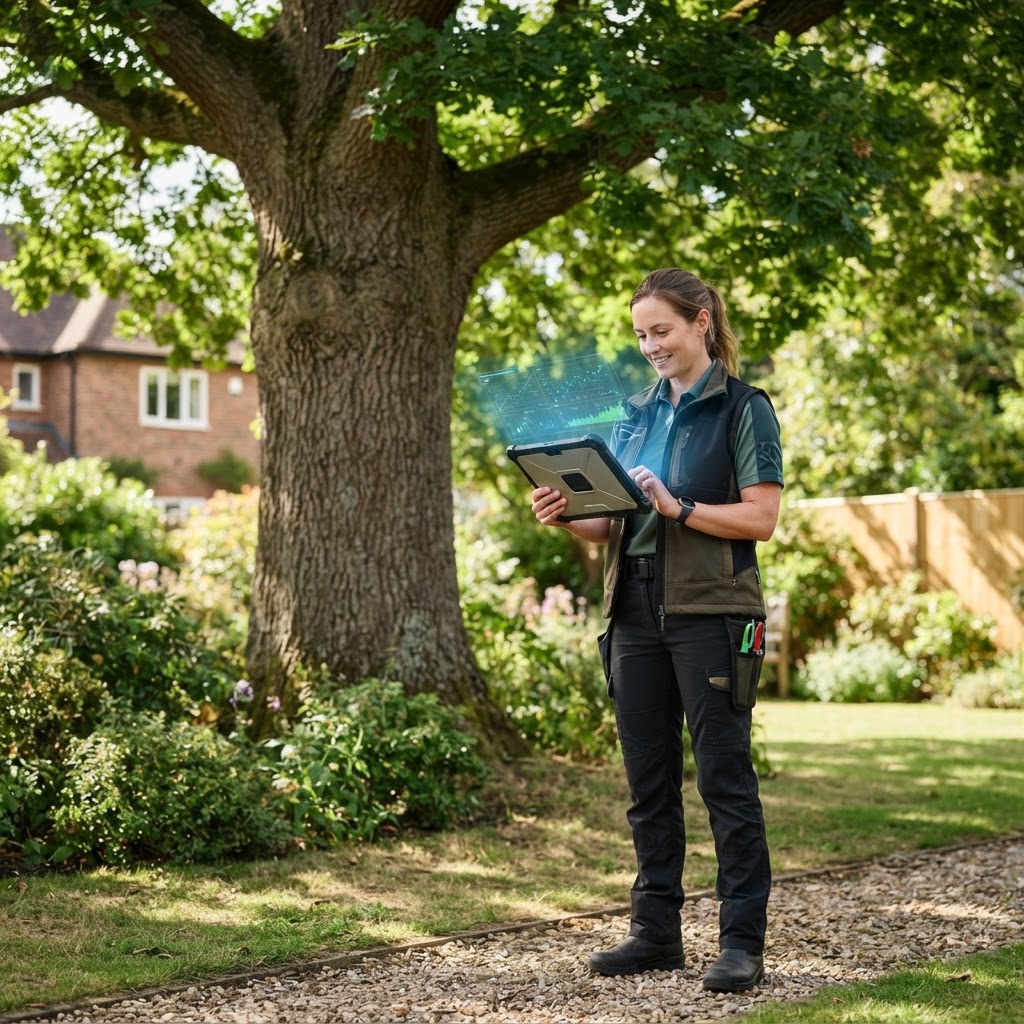
Consider Sarah, a lead arborist. She arrives at a residential site to assess a large, overhanging White Oak.
Step 1: Intake & Access: Sarah opens her digital form. She checks 'Limited Access' and 'Overhead Lines.' She takes three photos using her tablet—one showing the tree's crown, one the trunk decay, and one the proximity to the neighbor's roof. Step 2: Scope Selection: She selects 'Hazardous Removal' and 'Crane Assist.' She adds a custom note: 'Requires tree protection zones for existing flower beds.' Step 3: Immediate Delivery: Instead of returning to the office, she hits 'Generate Quote.' The system calculates the price based on pre-set rates. The client receives an email notification while Sarah is still packing her gear. Step 4: The Close: The client taps 'Approve' on their phone. This triggers a 20% deposit request. Once paid, the office calendar automatically populates with the job, and the crew lead receives a notification on their mobile device to review the site photos before mobilizing equipment.
Sarah saved two hours of administrative follow-up time, and the client felt treated with professional efficiency rather than waiting three days for a 'lost' quote.
Common Mistakes to Avoid
- Vague Scoping: Using 'General Tree Work' as a line item is a recipe for conflict. Be specific: 'Sectional dismantle and removal of 40ft Spruce.'
- Forgetting Liability: Never perform work without an explicit acknowledgement of underground utility risks. Relying on a 'handshake' will lead to out-of-pocket costs when a sprinkler head is crushed.
- Poor Photo Quality: Taking a single, blurry photo from the street level. Require specific shots: base, canopy, and site entry point.
- Manual Entry Delays: If the data doesn't flow directly into your CRM or calendar, you have only digitized the paper, not the process. Automation is the key to scaling.
Financial Value and Operational Scaling
By removing the friction of paper-based administrative tasks, you reclaim your most valuable asset: time. If you save 30 minutes per inspection and perform five inspections a week, you have reclaimed 130 hours per year. By redirecting that time toward higher-value activities—like client acquisition or quality control on active job sites—you increase your revenue potential without increasing your payroll. Furthermore, the documented 'before' state of the property serves as your strongest defense in legal disputes. A photo showing a pre-existing crack in a driveway is worth more than any verbal contract in a court of law.
Frequently Asked Questions (FAQ)
Q: Will clients find digital forms too technical? A: Modern homeowners expect a digital experience. Most prefer receiving a professional email with a 'Click to Approve' button over deciphering a handwritten note.
Q: What if I don't have good internet access at the job site? A: Choose a platform that supports 'offline mode.' You can capture all data, photos, and signatures while offline, and the app will sync the data once you return to an area with connectivity.
Q: How do I handle site access changes after the quote is sent? A: Use your digital system to send an 'Update Request' to the client. This keeps the audit trail clean and ensures the crew has the latest info before they arrive.
Build this in AI Form Generator
Create a new form titled 'Tree Care Estimate & Liability Inspection.' Include the following fields:
- Client Contact Info: Text (Name, Phone, Email, Address).
- Site Access Checklist: Multi-select (Gate Width < 48", Overhead Lines, Underground Utilities, Steep Slope, Restricted Parking).
- Project Scope: Checkbox list (Tree Removal, Pruning, Cabling/Bracing, Stump Grinding, Debris Hauling).
- Photo Upload: Limit 5 images (Base, Canopy, Obstruction, Entryway, Damage).
- Condition Assessment: Dropdown (Healthy, Diseased, Damaged, Hazardous, Emergency).
- Liability Waiver: Rich text block detailing damage risks to lawns and underground utilities with a signature field.
- Payment Integration: Deposit field (Input type: Percent of total; Default: 20%).
Workflow Automation: Set status 'Inspection Complete' to trigger an automated email to the client containing the estimate and an 'Approve' link. Upon clicking 'Approve,' the system should automatically generate a 'Review Requested' task for the scheduling department and append the captured site photos to the work order.
Equipment & Supplies You’ll Need
As an Amazon Associate, AI Form Generator may earn from qualifying purchases.
- Laser Distance Measure — Useful for documenting distances to structures, fences, driveways, and work zones during estimates.
- Measuring Wheel — Practical for longer ground measurements around properties and cleanup areas.
- High Visibility Safety Vest — Helps estimators remain visible around roads, driveways, crews, and equipment.
Equipment needs vary by service scope, local rules, and the work you choose to perform. Buy only what fits your actual services, training, and legal requirements.